Intermediate certificates and their installation
The intermediate certificate (intermediary) ensures the SSL certificate`s trustworthiness, thanks to the link to the authority`s Root certificates being present in operating systems and browsers. The customer certificate is not issued directly by the Root certificate of the authority, but by the Intermediate certificate. For this reason, Intermediate is added to web servers along with the certificate for the domain.
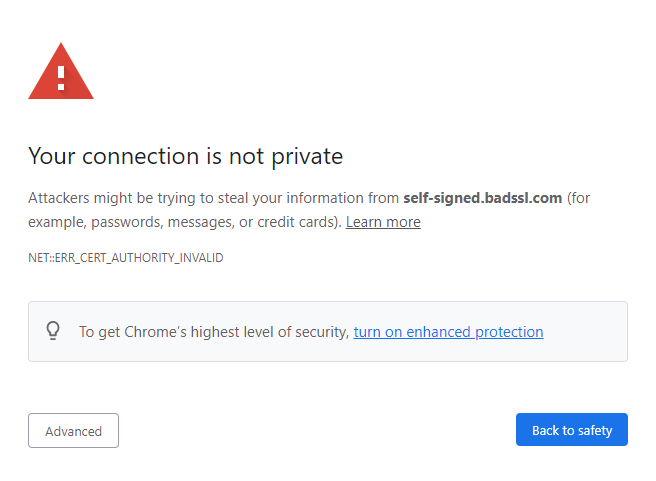
Where to find the Intermediate certificate
You will receive the intermediate certificate for the Windows and Linux platform by email at the same time as the issued certificate. You can also find the intermediate certificate at any time with the issued certificate under your customer account.
If you are going to install the TLS certificate on Linux (Apache, Nginx), use the linux_cert+ca.pem file from our email. It combines the issued certificate and its Intermediate, which saves you work. Web servers want them together.
You can also find all the authorities` CA certificates sold by us in a summary on the Intermediate and root certificates (CA bundle).
How to install Intermediate certificate
Windows platform
On the Microsoft Management Console (MMC), add the item "Certificates" for the entire server (not for users) and then import the obtained file with the Intermediate certificate into the folder Console Root/Certificates (Local Computer)/Intermediate Certificattion Authorities/Certificates.
The Linux platform
If you install a TLS certificate on a Linux server, set the Intermediate together with the certificate for the domain (together in one file) in the configuration file of the given domain. For Apache, the setting is done in the SSLCertificateFile directive in the default-ssl.conf file, which you should find in the /etc/apache2/sites-enabled folder.

We are sorry that you did not find the required information here.
Please help us to improve this article. Write us what you have expected and not found out.