Securing Login to SSLmarket Account
There are two ways to secure your login to your SSLmarket account. You can enable 2FA using OTP (one-time password) or the more secure and modern FIDO2 MFA (using YubiKey, Windows Hello, or another means). This help article will guide you on how to do it and what to do if you encounter login security issues.
What is OTP-based 2FA and FIDO2 MFA
Let's first define what each login security method means.
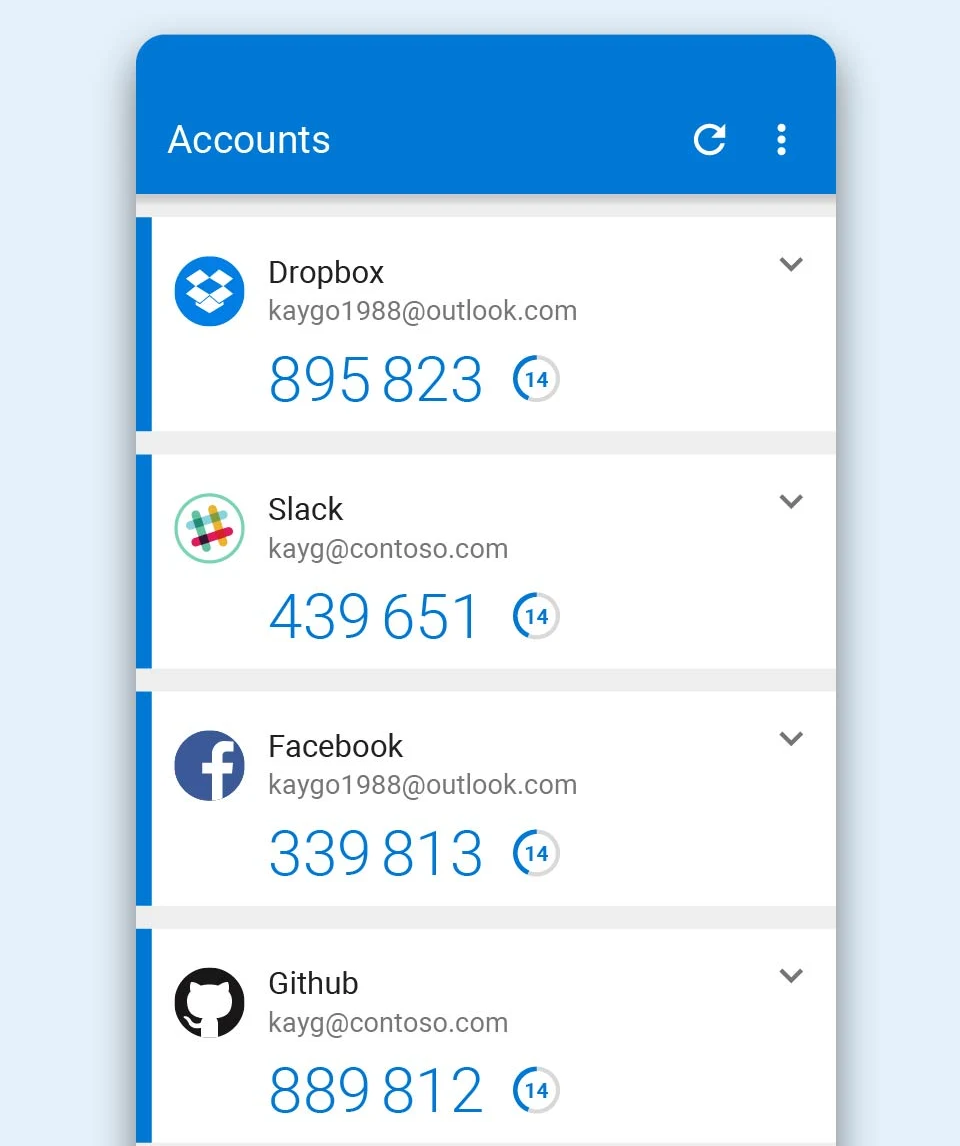
OTP-based 2FA is two-factor authentication based on a one-time code (e.g., TOTP), where the user logs in using a password and a time-limited code from an authentication app or token. The method is widely used but is susceptible to phishing because an attacker can forward the code in real-time. To use this method, all you need is a regular smartphone with an app. The most popular are Microsoft Authenticator and Google Authenticator; both are free for Android and iOS.
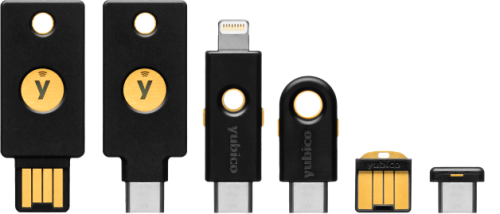
FIDO2 MFA is multi-factor authentication based on asymmetric cryptography, typically via a security token (e.g., YubiKey) or platform authenticator (e.g., Windows Hello). Verification is done through device ownership and a PIN or biometrics, and it is tied to a specific domain, providing high resistance to phishing. You need a computer with a TPM chip, a smartphone with biometrics, or a hardware key like YubiKey.
OTP 2FA: Two-factor authentication using a one-time code from an authentication app. It can also be referred to as TOTP, verification code, code from authentication app, Authenticator app 2FA, or code-based 2FA.
FIDO2-based MFA: Modern multi-factor authentication based on cryptography and a security device. It is also often referred to as passkey, security key, WebAuthn login, login using a device, or passwordless login.
Enabling Login Security
After logging into your SSLmarket account, click on the account owner's name in the upper right corner and select the Security option from the displayed menu. A dialog will open where, besides changing the password, you can activate additional forms of login security.
In the Login Security section, you can independently enable two methods of multi-factor authentication. During activation, you will be offered to download recovery codes, which are used to disable the method. Without them, the given authentication cannot be disabled. We recommend printing them out to prevent complete loss of access to the account.
Two-Factor Authentication (2FA) in SSLmarket
You can easily activate two-factor authentication (2FA) in your account. When logging in, you will then enter a one-time code generated by the authentication app in addition to the password. The specific method depends on the chosen 2FA application.
The advantage of 2FA is that even someone who knows your password cannot log into your account. Successful login requires verification by the second factor, typically a one-time code.
For using 2FA, we recommend Google Authenticator or Microsoft Authenticator apps. Both apps allow easy migration to a new device when replacing your phone and are easy and reliable to use.
Logging in with FIDO2 (passkey / security key)
FIDO2 represents a modern and highly secure way to log into your account. It enables passwordless login, meaning you do not need to enter a password.
FIDO2 can be used through a mobile phone with biometric verification, a computer with a TPM chip, or using a hardware security key (e.g., YubiKey). We consider the hardware security key to be the most secure option. YubiKey devices can also be used for other purposes, such as securely storing certificates.
Enabling login with FIDO2 disables password login, which you no longer need to enter. For successful login, you must have the FIDO2 device available (for example, YubiKey connected to the computer) and then perform verification by the second factor, such as entering the PIN for YubiKey, biometric login verification on the phone, etc. Then you will be successfully logged in without a password.
Troubleshooting 2FA or FIDO2 Issues
The most common issue is losing the authenticator - for example, when changing a mobile device with the installed 2FA app or the device used for FIDO2. A similar situation can occur if you lose the hardware security key (e.g., YubiKey). If you use the FIDO2 TPM chip in a computer for login, be aware that it is tied directly to the given hardware and won't be available elsewhere (beware of work vs. home PC).
If you lose access to your 2FA device or FIDO2 key, you can use the backup recovery codes you received during activation. Only with their help can access to the account be restored and multi-factor authentication be set up again.

We are sorry that you did not find the required information here.
Please help us to improve this article. Write us what you have expected and not found out.